Country/region

All reMarkable paper tablets, reMarkable 2, reMarkable Paper Pro and reMarkable Paper Pro Move resting on layered shelves.

What is reMarkable:

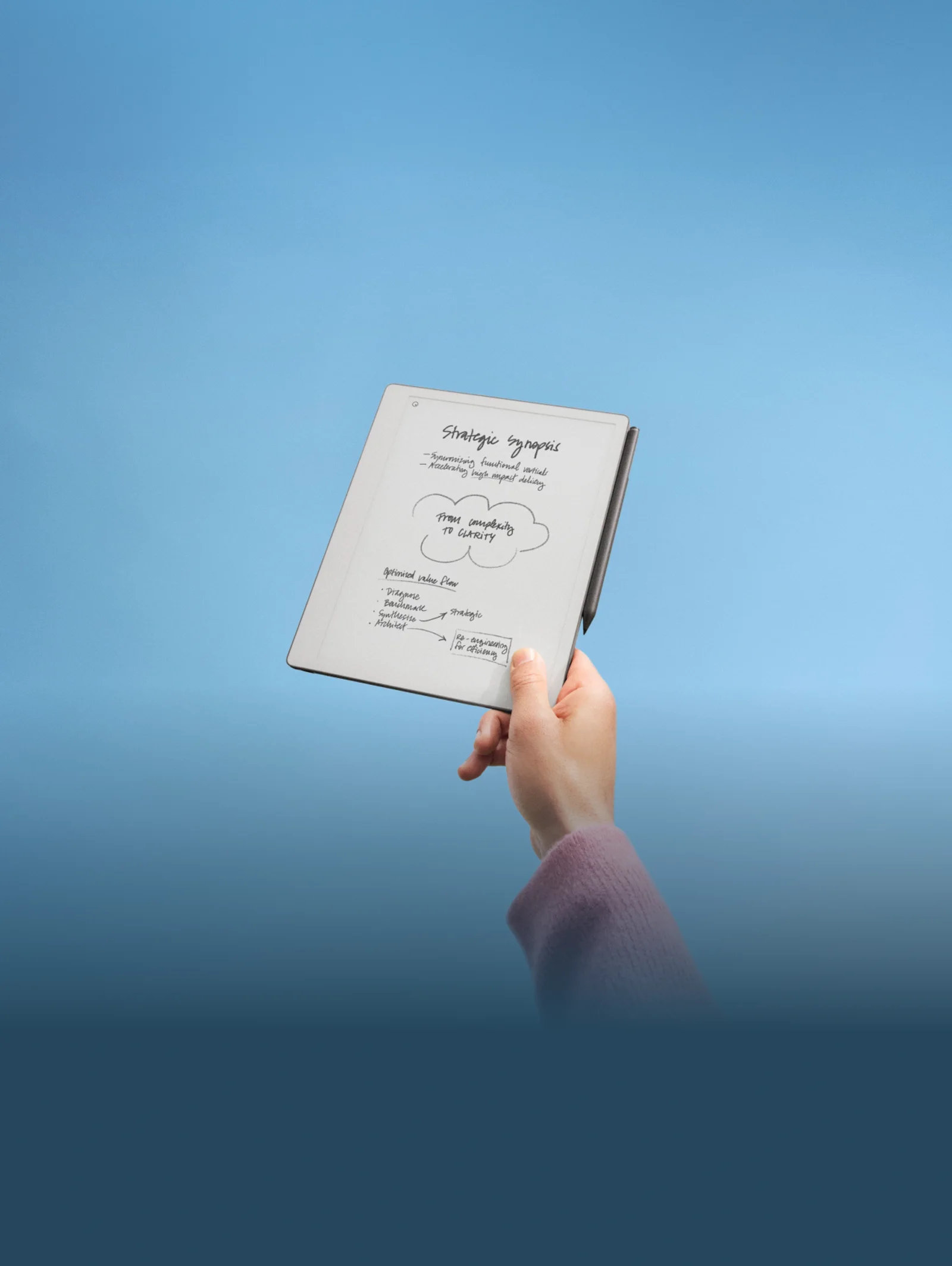
A digital notebook that feels like pen on paper when you use it. Made to help you think better, with smart tools that fit into your workflow.

The Three Pillars of Better Thinking

A reMarkable Paper Pro showing annotation on a PDF in dim light with the adjustable light on the tablet turned on.

A place for your thoughts

Write, sketch and mark up on a display that feels just like paper. The CANVAS display responds in up to 12 milliseconds when you write on it, and is easy on the eye — using ambient light rather than a backlit display. On our Pro models, an adjustable front light means you can work comfortably in any lighting, without the strain.

Screenshot of the feature handwriting search

Where ideas come together

Edit, move, search, and convert your handwriting to typed text — for the type of convenience notes only digital notes can offer. Organise everything with folders and tags, and annotate PDFs and Word documents as naturally as a printed page.

A man looking at a phone next to a computer displaying notes and a reMarkable paper tablet.

And work moves freely

Free your notes from your tablet. Continue working in our mobile and desktop apps, and with a Connect subscription, everything syncs automatically across your devices — straight to Google Drive, Microsoft Word, OneDrive and Dropbox.

Which one is for you?

Our reMarkable Portfolio

Specs reMarkable Paper Pro reMarkable Paper Pro Move reMarkable Paper Pure
Best For Deep professional work Taking with you anywhere Essential note-taking
Display 11.8" CANVAS Color Compact CANVAS Color 10.3" Monochrome
Frontlight Yes (Adjustable) Yes (Adjustable) No
Experience Advanced creative canvas Focused notes, always ready Lightweight and easy to use

how does it work?

Compare the tech

A reMarkable paper tablet isn't an iPad or an e-reader, it's something different entirely. Here’s how it holds up.

A man sitting at a table writing a note on a reMarkable Paper Pro.

Focus-friendly

While other tablets are built for everything, reMarkable is built for one thing — better thinking. No browsers, no social media, no interruptions.

A reMarkable paper tablet showing notes being written with the Marker.

Easy on the eyes

Unlike traditional tablets, reMarkable uses reflective E-ink technology that uses ambient light instead of shining directly at your eyes, so you can read and write for longer without the strain.

A reMarkable paper tablet showing a list, being marked with the Marker.

Weeks of battery life

Most tablets are measure their battery life in hours, but reMarkable is measured in weeks. It's always ready when you are. Read more about our commitment to longevity and sustainability.

Your privacy and data

Here, your thoughts are your own. reMarkable keeps your notes encrypted and your data private so it’s just a safe space for you and your ideas. Learn more about our Privacy Policy and Cloud Security.

A woman sits in a chair looking at the reMarkable paper tablet.

Frequently Asked Questions

Is reMarkable a tablet like an iPad?

No. It’s a specialized tool for handwriting and reading with a matte display that feels just like paper when you write on it. It does not have an app store or a web browser by design so nothing gets in the way of your thinking.

Which models have color?

Both the reMarkable Paper Pro and reMarkable Paper Pro Move have CANVAS color technology.

Can I sync with my existing cloud?

Yes, reMarkable links up with with Google Drive, OneDrive, and Dropbox.

Does reMarkable paper tablets have backlight?

It depends on the model: reMarkable Paper Pro and reMarkable Paper Pro Move - yes, both have an adjustable reading light (frontlight) to illuminate the page rather than shining directly into your eyes which reduces eye strain.

reMarkable Paper Pure and reMarkable 2 - no backlight.

So, backlight is a reMarkable Paper Pro-exclusive feature in the current product lineup.